Slack Plugin
Install Slack Plugin
- Open your UL Launcher CMD + Space
- Type
install slack - Hit
Return - Follow the authorization steps

- Before clicking Allow, select your workspace on the top right
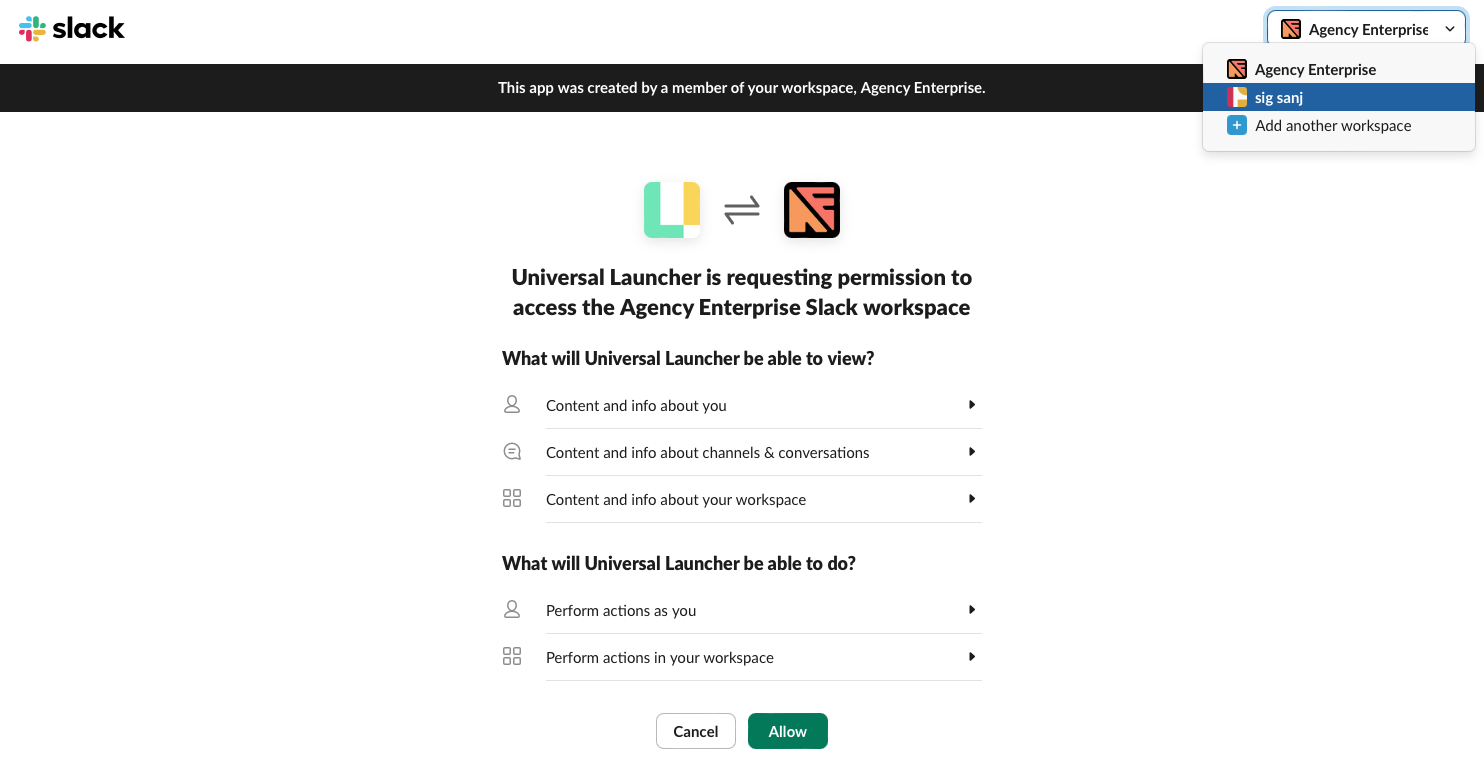
- Open the Launcher
CMD+Space - Type
slack Hit Return- Search for a user you want to chat with
- Hit
Returnonce you find them - Hit
Returnagain and jump directly to that conversation
Why is this useful?
Do not get distracted by other messages in slack. Jump directly to the person you need to talk to as soon as you need to talk to them. Up next, send a direct message to someone by creating a shortcut in Universal Launcher.
-
Open your UL Launcher CMD + Space
-
Type
cs -
Hit Return