Clipboard History Utility
What is a utility?
A utility is a pre-built in shortcut that is used by ALL UL people. This allows for us to build shortcuts that increase the productivity of the entire human race (or at least the people that use UL)
Installing Clipboard History
-
Open your UL Launcher CMD + Space
-
Type
install cl -
Hit
Return

Once installed…
-
Open your UL Launcher CMD + Space
-
Type
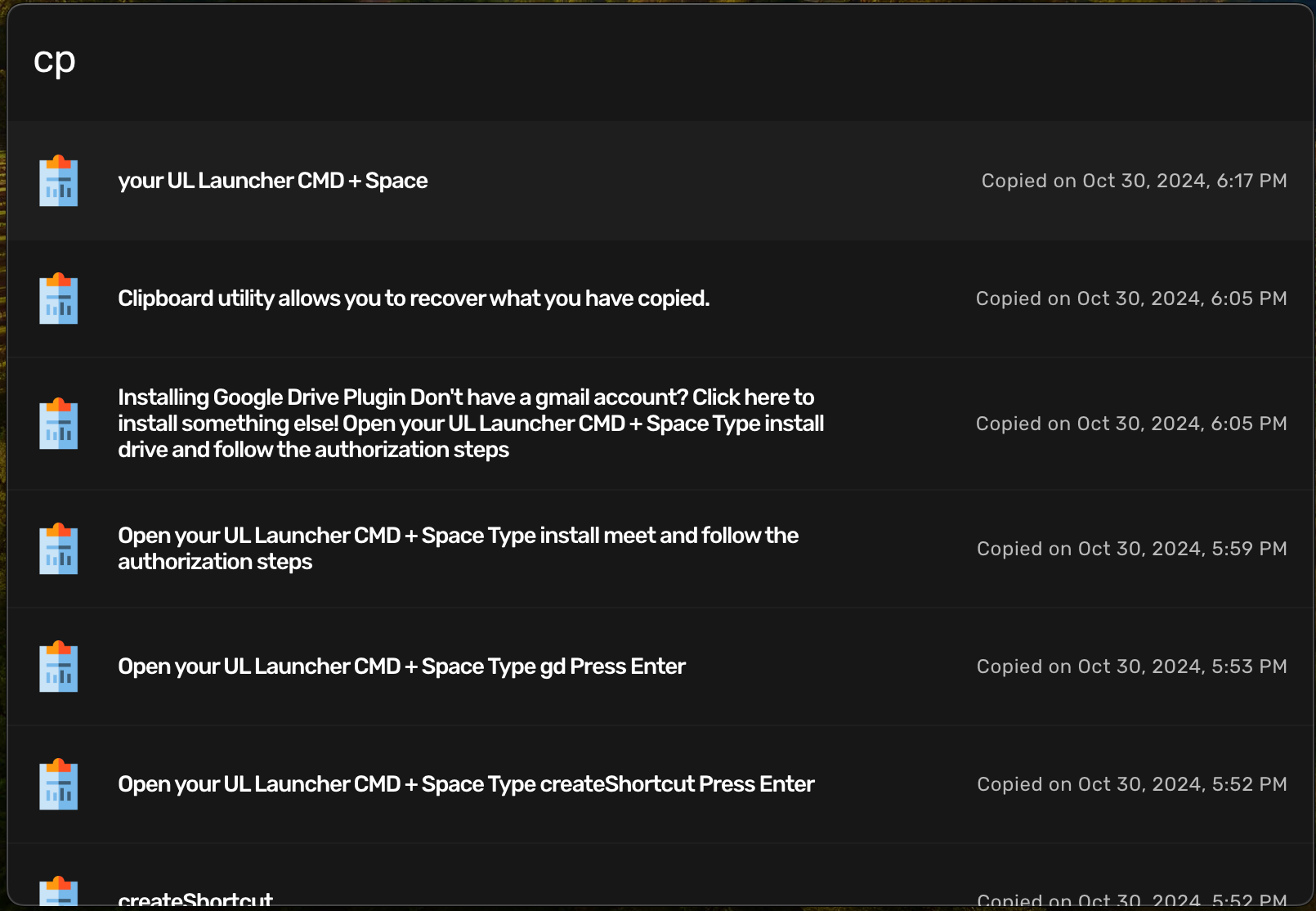
cp -
Hit
Return -
Select anything with the up arrows, hit
Returnand recopy it to your clipboard
You can also use these commands, but we use with caution as once you delete something, its gone forever.
-
Open your UL Launcher CMD + Space
-
Type
cpd, hitReturnand select an item with the arrows, hitReturnand delete it forever -
Type
cpc, hit Return and clear your entire clipboard history
Why is this useful?
Have multiple text strings copied at once and carry those things around with you and use them whenver you need or for specific tasks. Cut down on jumping back and forth and just copy everything you need, go to the place that needs it, and deliver in one way trip that saves you time and mental drain.
-
Open your UL Launcher CMD + Space
-
Type
ul -
Hit Return