Google Meet Plugin
Install and use Google Meet Plugin
- Open your UL Launcher
CMD+Space - Type
install meetand follow the authorization steps

- Now open the UL launcher
CMD+Space - Type
meet - Hit
Return
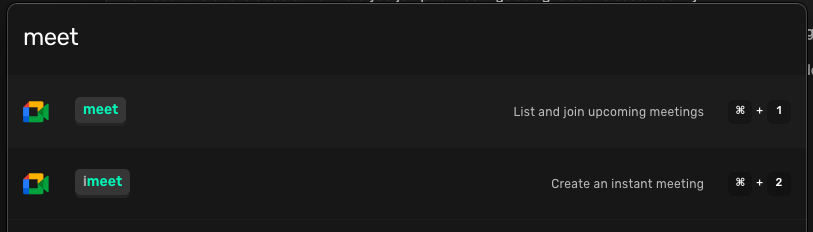
- See your upcoming meetings
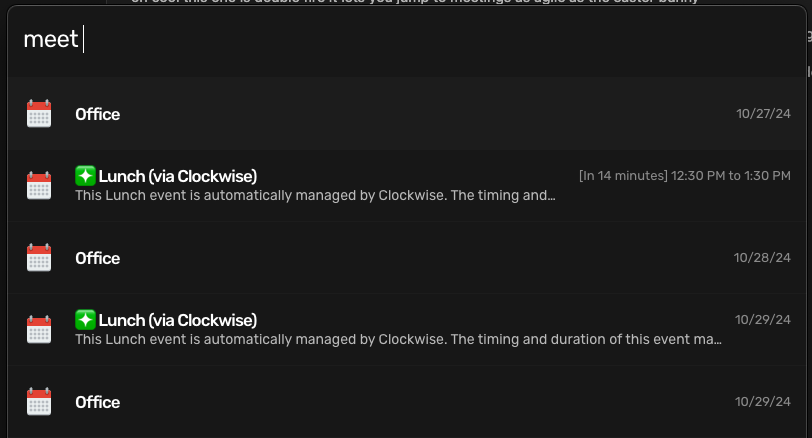
- Why is this useful?
Save time navigating to your calendar. Check your meetings as soon as you need to from any where on your computer steps.
-
Open your UL Launcher CMD + Space
-
Type
gd -
Hit Return